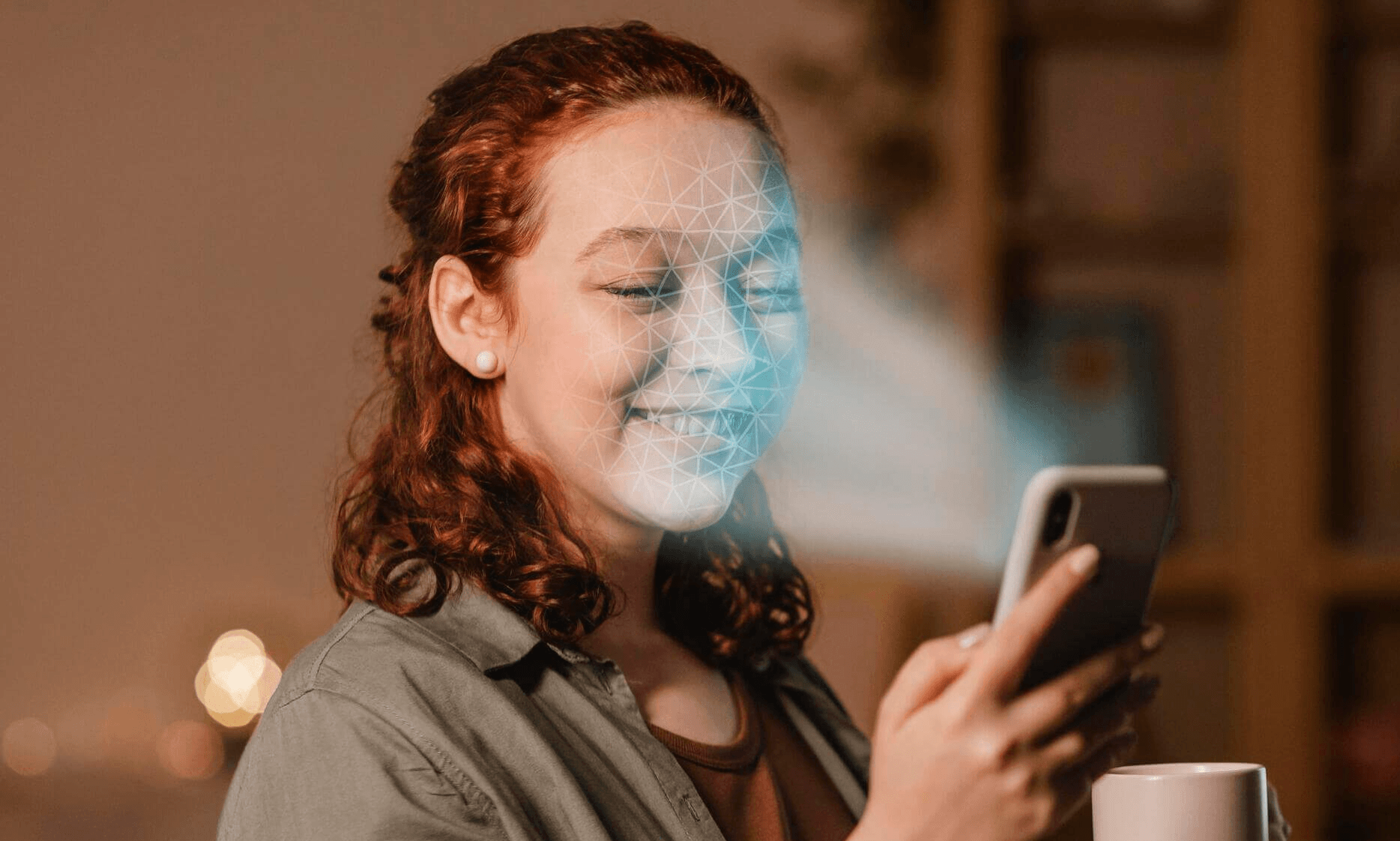
Tools such as Eyematch.ai help users discover where their photos appear online by using AI face search technology. By uploading a photo, users can explore visually similar images across publicly indexed websites and better understand their digital footprint. But once the photos appear online, how to remove your photos from the internet?
How to check where your photos appear online
Before removing a photo, you first need to know where it appears. Many images are reposted across blogs, forums, social media pages, and other public websites. One of the easiest ways to monitor your images is by using:
- face search tools
- reverse image search
- facial recognition search
Face search tools analyze facial features and look for visually similar faces across public websites. Reverse image search focuses on finding identical copies of the same image.
Platforms like Eyematch.ai allow users to upload a photo and discover websites where similar images may appear online.
What is a DMCA takedown request?
One of the most common methods for removing copied images is a DMCA takedown request.
DMCA stands for Digital Millennium Copyright Act. It allows copyright owners to request the removal of content that uses their original work without permission.
If someone reposted your original photos without authorization, you may be able to:
- contact the website owner directly
- submit a DMCA takedown notice
- report copyright infringement to the hosting provider
Many social media platforms and websites also have built in copyright reporting systems.
When submitting a DMCA request, it is important to include:
- links to the copied image
- proof that you own the original content
- contact information
- a clear explanation of the issue
How do opt out requests work?
Some websites and image search platforms allow users to submit opt out requests.
An opt out request asks a platform to stop displaying or indexing certain images connected to your face or identity.
Depending on the website, this may involve:
- requesting image removal
- asking for deindexing from search results
- removing facial recognition data
- limiting future indexing
Policies vary between platforms, so users should review each website’s privacy and removal procedures carefully.
What should you do if someone is using your photos without permission?
If you discover unauthorized use of your photos online, it is important to stay calm and document everything first.
Helpful steps include:
- saving screenshots
- copying URLs
- recording where the image appears
- identifying whether the image is public
After that, you can:
- contact the platform directly
- submit a DMCA complaint
- send an opt out request
In many cases, websites respond faster when requests are detailed and clearly documented.
Why monitoring your digital footprint matters
Your photos are part of your online identity. Once images become public, they can spread quickly across websites, search engines, and social media platforms.
Using face search and reverse image search tools regularly can help you:
- monitor where your photos appear
- discover unauthorized image use
- protect your privacy online
- better understand your digital footprint
As AI face search technology like Eyematch.ai becomes more accessible, more people are taking active steps to manage how their photos appear across the internet.