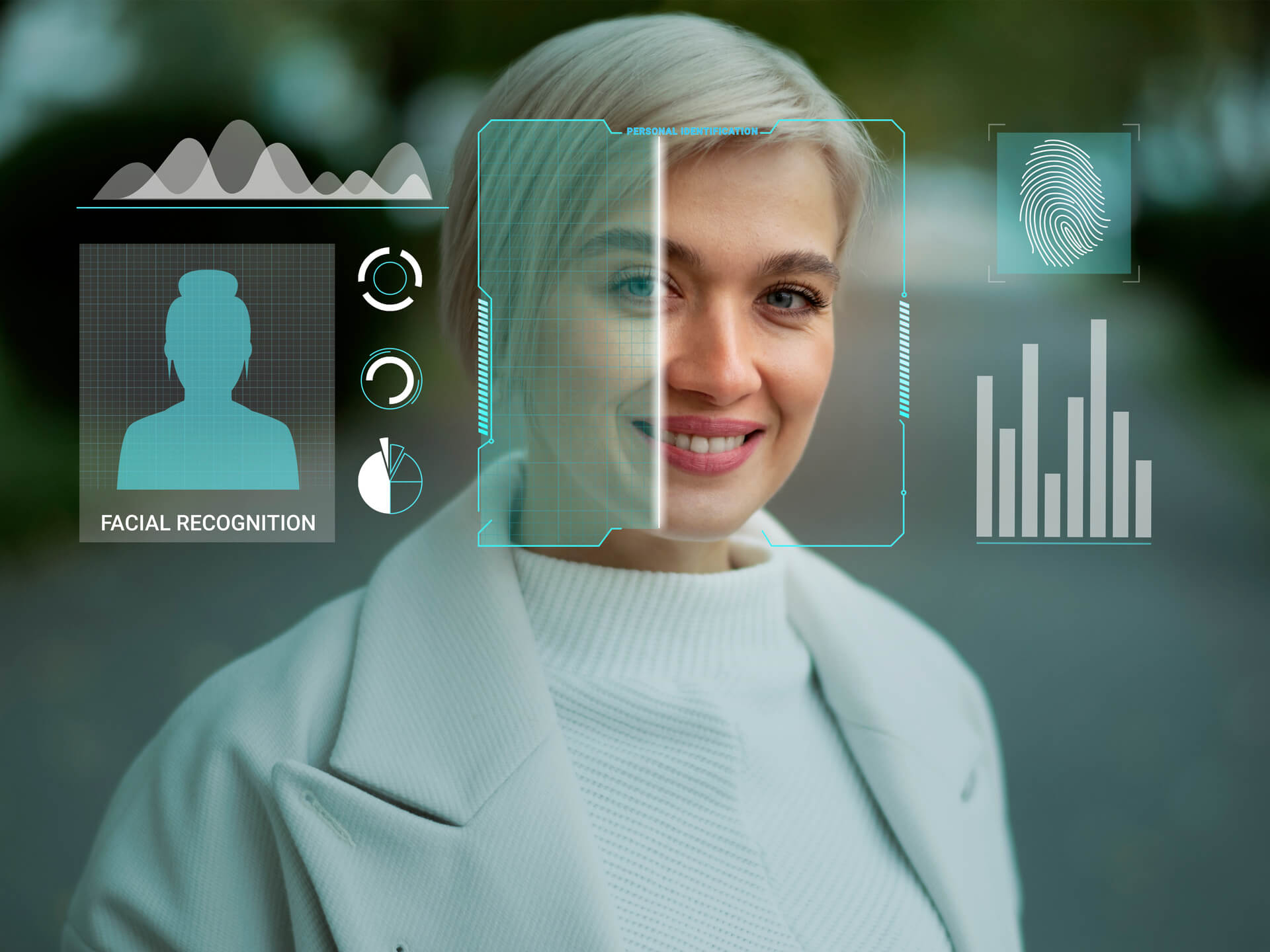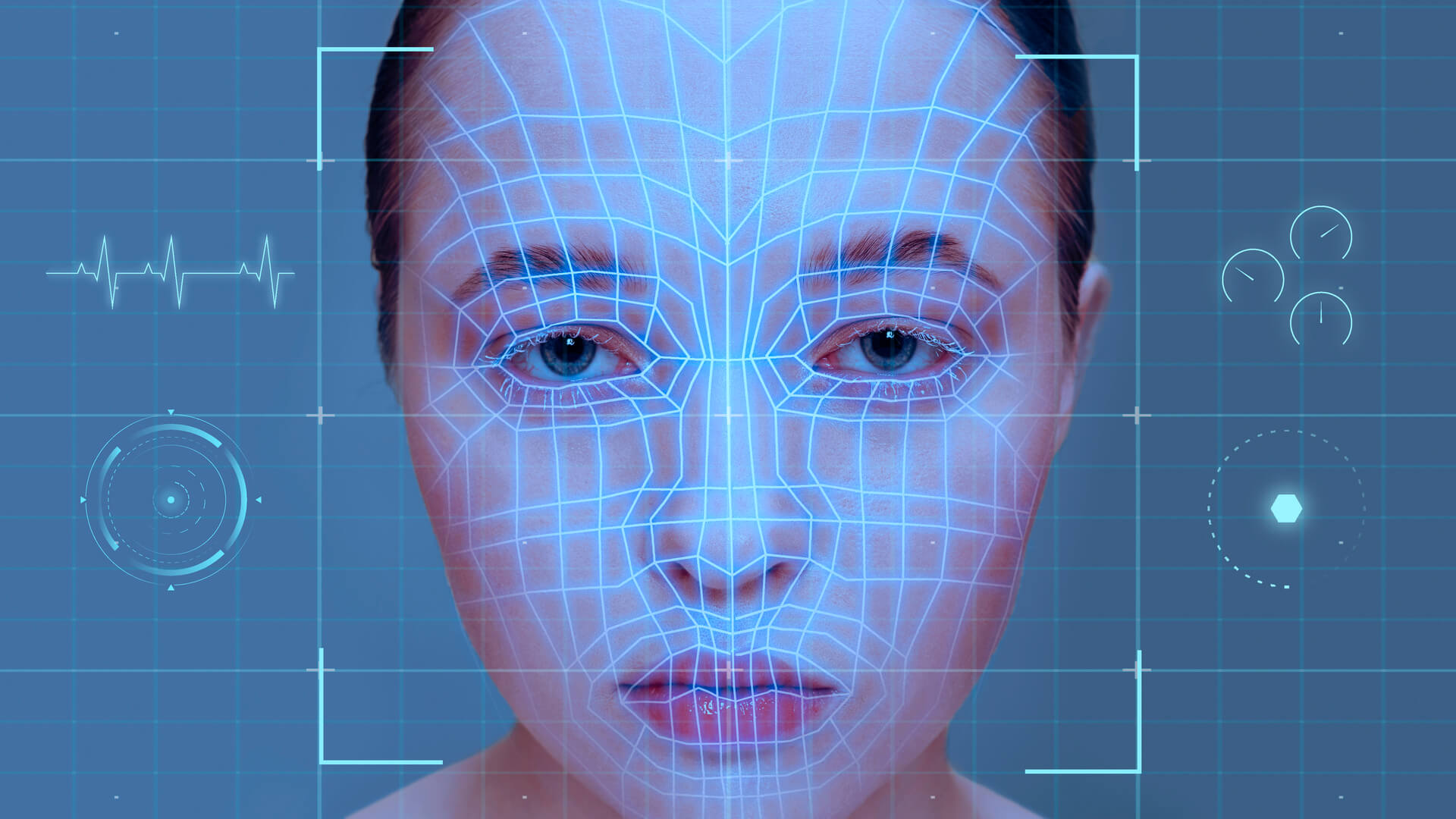
Tools such as Eyematch.ai allow users to upload a photo and run a face search to discover visually similar faces across images indexed online. The system analyzes facial features and returns results that include links to the websites where similar images appear. So how to check whether someone is using your photos without permission?
Why photos can appear on other websites
Images often move quickly across the internet. Once a photo is published on a public website, it may be reposted or shared by other users.
Photos may appear on other websites for several reasons:
- images shared on public social media profiles
- photos reposted on blogs or forums
- images included in online articles
- pictures copied to other social platforms
Understanding how photos circulate online can help people monitor their digital presence.
How face search tools help find photos online
Face search tools use facial recognition technology to analyze facial features in an image. Instead of looking for identical copies of a photo, these tools search for visually similar faces across images that are publicly available online.
This can help users discover images even when:
- the photo was cropped
- the lighting is different
- the person appears in another photo
- the image was taken from another angle
Because facial recognition focuses on facial structure rather than the exact picture, face search tools can sometimes locate images that traditional image search tools might miss.
Steps to check if your photos appear online
If you want to check whether your images appear on other websites, a few simple steps can help.
Choose a clear photo Select an image where the face is visible and easy to recognize.
Run a face search Upload the photo to a face search tool to find visually similar faces online.
Review the search results Explore the websites where similar images appear to understand how the photo is being used.
These steps can help users explore how their photos appear across publicly available parts of the internet.
Why monitoring your images online can be useful
People sometimes check their photos online to better understand their digital footprint. Because images can be shared quickly across platforms, monitoring where photos appear can help users stay informed.
Checking images online may help people:
- learn where their photos appear
- understand how images circulate online
- explore how facial recognition technology works
Image search and face search tools can make this process easier by scanning large numbers of publicly available images.
Photos published online can sometimes appear on other websites through sharing or reposting. Tools such as face search and reverse image search allow users to explore where similar images appear across the internet.
Nowadays, by using facial recognition tools and image search technology, people can gain a clearer understanding of how their photos appear on publicly available websites and how images circulate online.