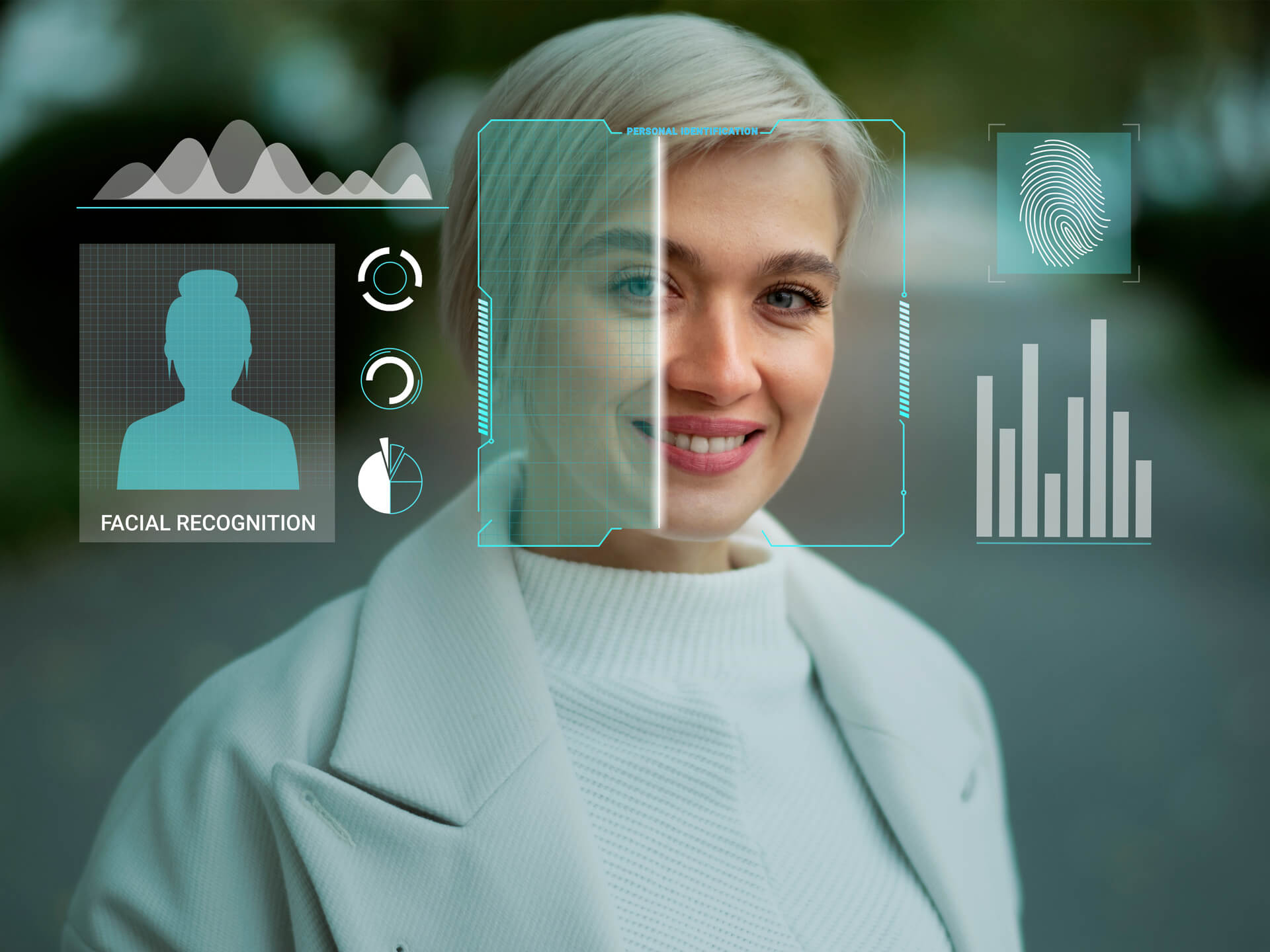
Platforms such as Eyematch.ai allow users to upload a face and scan public web sources for visually similar images. Instead of typing a name or keyword, the system analyses facial features and compares them across indexed images online. This helps users explore where similar photos may appear and better understand their digital presence.
What is face search?
Face search is a form of visual search that focuses specifically on human faces. Unlike traditional search engines that rely on text, it works by analysing facial structure and proportions within an image. The system looks at visual elements rather than names, captions, or profile information.
The purpose is not to identify a person by name. The goal is to detect visual similarity between faces and show where comparable images appear on publicly accessible websites.
How does AI face search work?
When a user uploads a clear image into a face search tool, the system first detects the face in the photo. It isolates the facial area and prepares it for analysis. Good lighting, a front facing position, and the absence of strong shadows improve the accuracy of facial recognition technology.
The system then converts the face into a digital pattern. This pattern is based on measurable characteristics such as:
- distances between facial landmarks,
- contours,
- overall proportions.
Instead of storing the photo as a simple image file, AI face search creates a mathematical representation that can be quickly compared with other faces indexed online.
How does facial recognition technology match faces online?
After generating the digital facial pattern, the face search engine compares it with indexed images from public web sources. These sources may include websites, blogs, news platforms, and public social media pages. The process focuses on visual similarity rather than names or profile information.
The algorithm measures how closely other faces match the uploaded image. Results are ranked according to similarity. Higher ranking images share more comparable facial features with the original photo used in the reverse face search.
Read about the difference between Face Search and Reverse Image Search.
What do face search results actually mean?
Face search results typically display preview images along with links to the websites where similar photos appear. A match indicates visual resemblance, not confirmed identity. The technology finds faces that look similar, but it does not verify who the person is.
Sometimes the system finds the exact same image reposted elsewhere online. In other cases, it may display similar looking individuals. Because reverse face search is based on visual comparison, users should always review the context of each result carefully.
What can face search be used for?
Face search can help people monitor their online presence and understand where their photos appear. It can also support:
Online reputation monitoring - checking how and where a face is displayed across websites, blogs, or public platforms.
Brand protection - helping public figures, founders, or professionals track unauthorized image use.
Identity awareness - understanding whether photos are being reused in unexpected or misleading contexts.
Digital footprint management - staying informed about how visual content connected to a person spreads online.
Content verification - confirming whether a specific image has been reposted or modified elsewhere.
Personal security checks - pinpointing potential misuse of photos on public websites.
From upload to match, the entire process is built on analysing visual structure and comparing it at scale. What feels instant to the user is the result of complex pattern recognition working in the background to find visually similar faces across the public web.
Check where your face appears using eyematch!