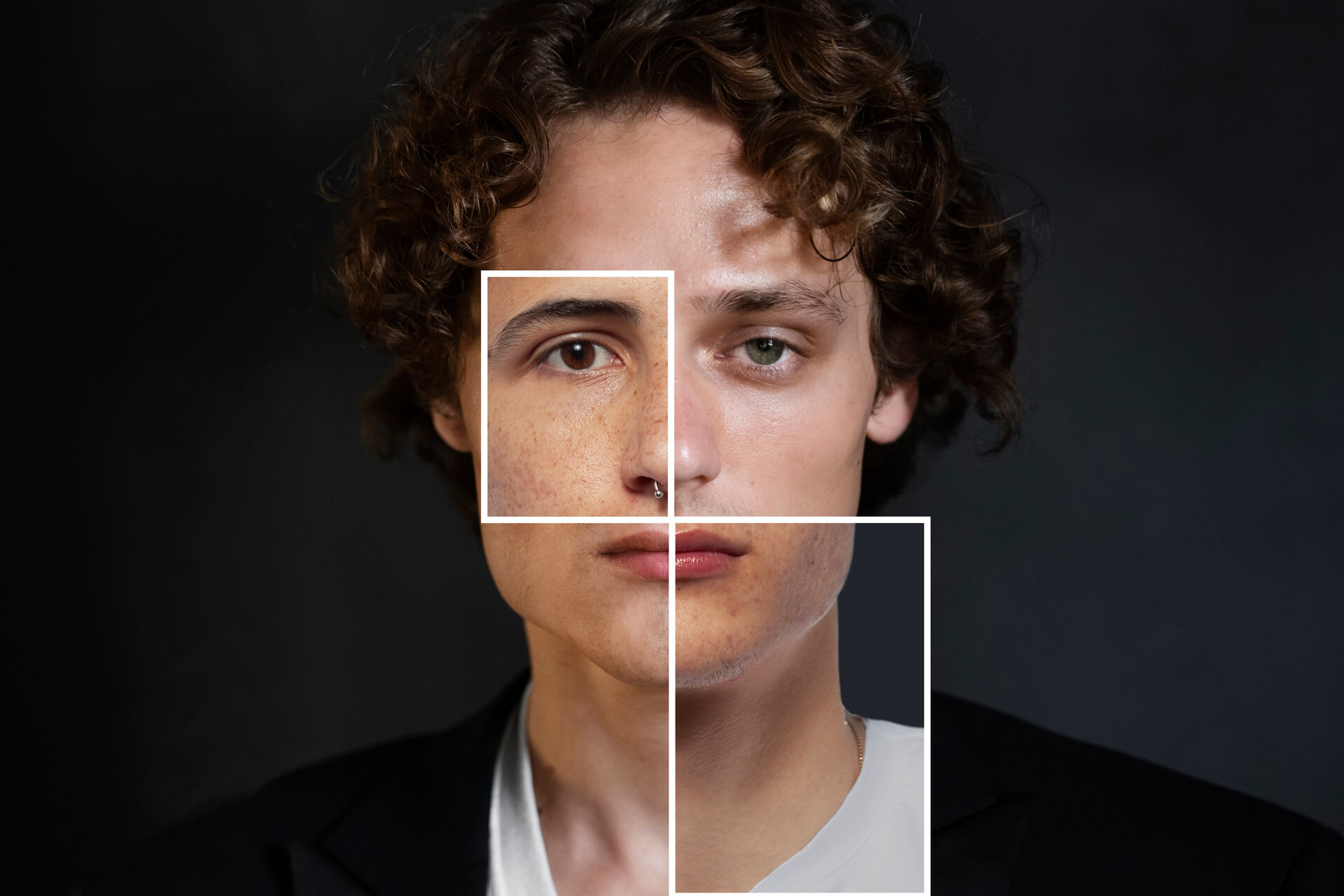
Tools such as Eyematch allow users to upload a photo and run a face search to find visually similar faces across publicly available images online. The system analyzes facial features and shows results with links to the websites where those images appear. This can help users explore whether a photo is being reused in different places. Understanding how to use face search can help you spot patterns that may indicate a fake profile.
How can face search help identify fake profiles online?
Face search tools use facial recognition to compare a face in one photo with images available online. This makes it possible to check if the same face appears in multiple places.
This can help you notice:
- the same photo used across different profiles
- images appearing on unrelated websites
- photos linked to different names or accounts
While face search does not confirm identity, it can reveal how widely an image is used.
What are common signs of fake profiles in image search results?
When you run a face search or reverse image search, certain patterns may suggest that a profile is not genuine.
Some common signs include:
- the same face appearing on multiple profiles
- images used on websites unrelated to the person
- photos that appear in stock image collections
- inconsistent use of the same image across platforms
These signs can help you decide whether to look more closely at a profile.
How does reverse image search support face search?
Reverse image search can help you find exact copies of a photo. This is useful when you want to check if the same image is being reused without changes.
Reverse image search can show:
- identical images across different websites
- duplicates of the same photo
- earlier versions of an image
Using both face search and reverse image search gives a more complete view of how a photo appears online.
What steps should you take to check a profile photo?
If you want to check a profile photo, you can follow a simple process.
Start by:
- saving or capturing the profile image
- uploading it to a face search tool
- reviewing the results and links provided
You can also run a reverse image search to find exact matches of the photo.
Looking at multiple sources helps you better understand how the image is used online.
What are the limitations of face search in detecting fake profiles?
Face search tools are useful, but they are not perfect. Results depend on image quality and how widely photos are available online.
Keep in mind:
- similar looking people may appear in results
- low quality images may reduce accuracy
- not all images are indexed online
Face search provides clues, not final answers.
How can you stay safe when interacting online?
In addition to using face search, there are simple steps you can take to stay safe online.
These include:
- being cautious with new or unknown profiles
- checking profile consistency
- avoiding sharing personal information too quickly
- verifying information through multiple sources
Combining these steps with image search tools can help you make more informed decisions.
Face search and reverse image search can help you explore how profile photos are used online. By checking where images appear and looking for patterns, you can better understand whether a profile may be genuine.
While tools like Eyematch.ai do not confirm identity, they can provide useful insights that support safer and more informed online interactions.