What Is Timeline View?
Timeline View is an alternative to the normal search results view. It arranges your results on a timeline based on when Eyematch.ai added them to its search index.
The most recently indexed results appear first, followed by results indexed earlier. This makes it easier to browse matches by their indexing date rather than looking through the usual results layout.
You can switch between Timeline View and the normal view depending on how you prefer to explore your matches.
How Are Results Ordered on the Timeline?
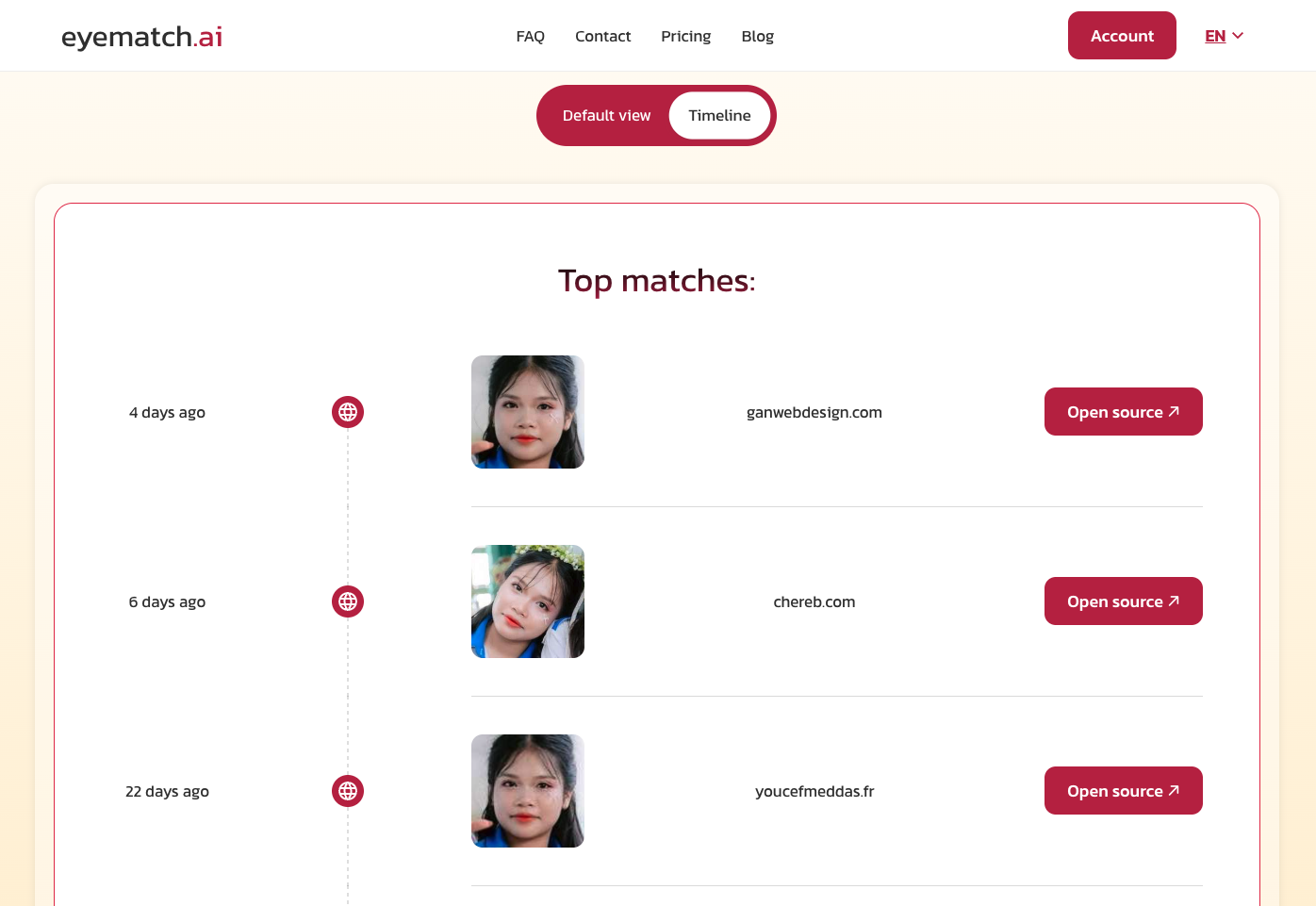
The timeline goes from most recently indexed to least recently indexed. Indexing means that Eyematch.ai found an image and added it to its searchable collection.
It is important to remember that the indexing date is not necessarily the date a photo was taken or published online. An older photo might appear near the beginning of the timeline if Eyematch.ai only recently indexed it.
Timeline View therefore helps you understand which results were added to Eyematch.ai more recently. It does not show the exact order in which the photos were taken or uploaded to their original websites.
Which Subscriptions Include Timeline View?
Timeline View is available with both Standard and Advanced subscriptions.
With a Standard subscription, you can use the timeline, but you will not see all the search results. The same limit applies in the normal results view. Switching to Timeline View does not unlock additional matches or remove your plan’s restrictions.
With an Advanced subscription, Timeline View is also available, giving you another way to browse the results included in your plan.
How to Use Timeline View on Eyematch.ai
Turning on Timeline View takes just a few steps:
- Start a search on Eyematch.ai by uploading a photo.
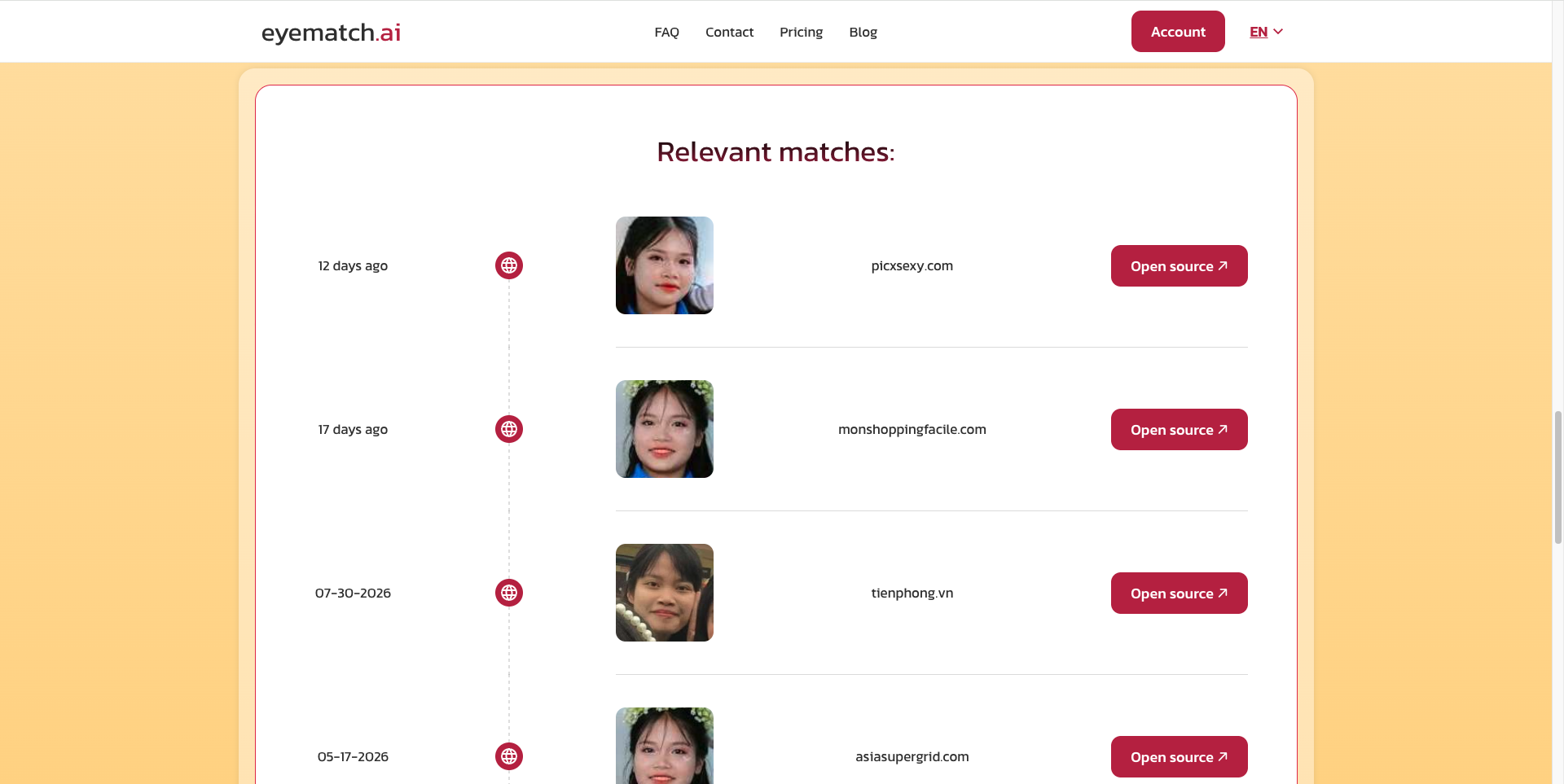
- Find the view switch at the top of the search panel.
- Click the switch to change from the normal results view to Timeline View.
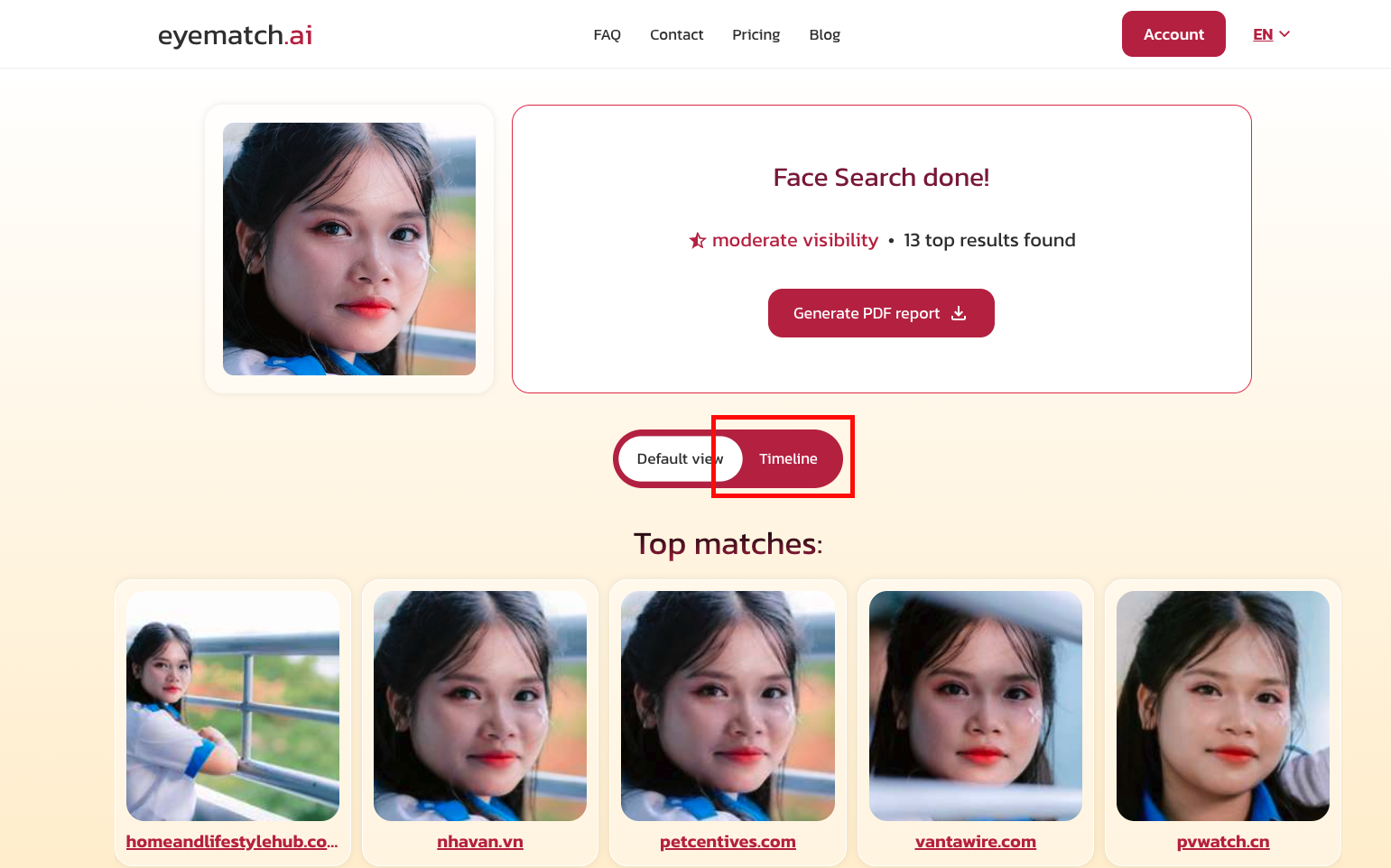
Your results will appear on a timeline, with the most recently indexed matches first. To return to the normal results view, click the same switch again.
Whether you prefer the usual layout or a timeline, you can choose the view that makes your results easier to browse.