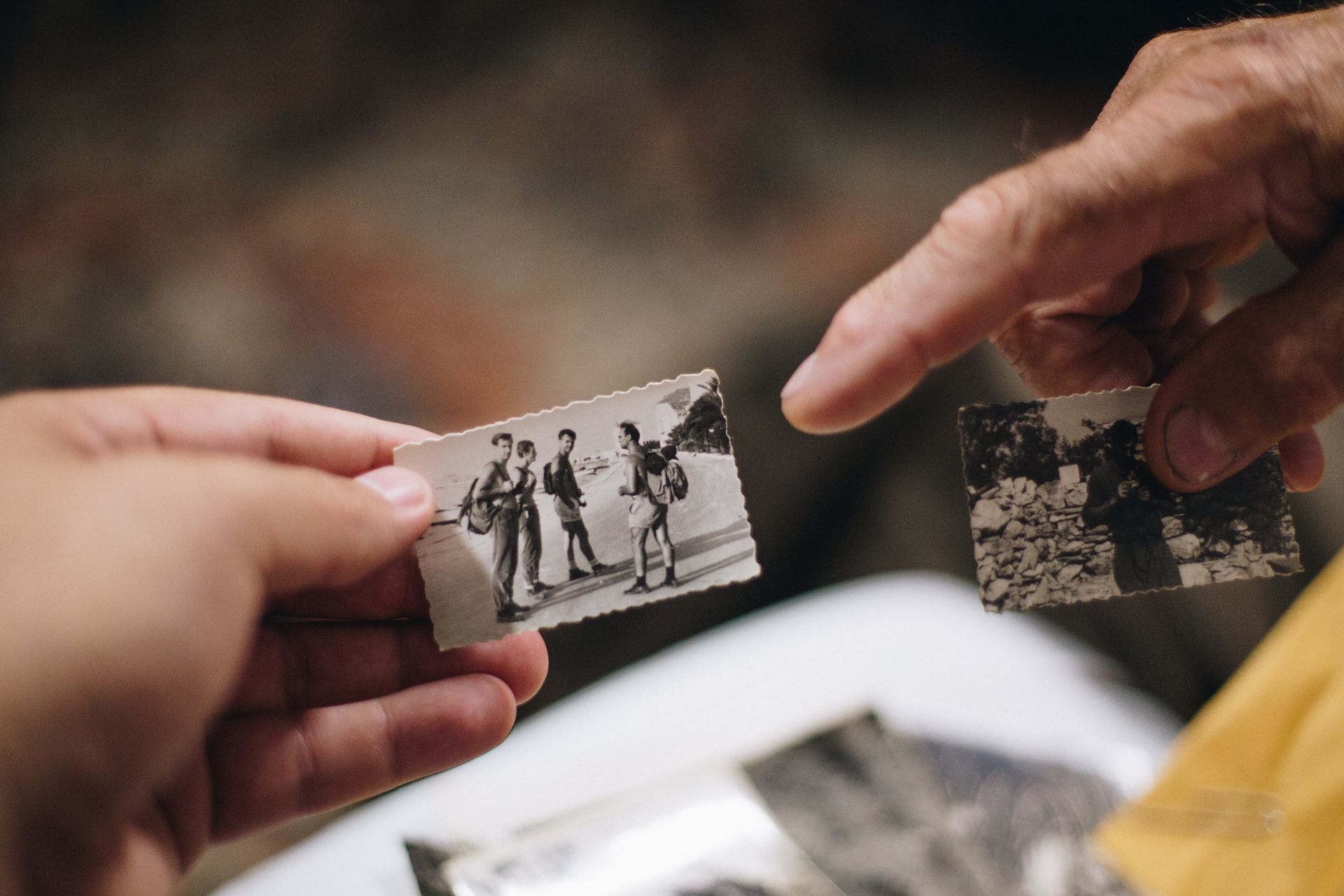
Platforms such as Eyematch.ai allow users to upload a photo and run an AI face search across publicly available images online. By analyzing facial features, the system finds visually similar faces and provides links to the websites where those images appear. This makes it easier to explore your digital footprint and locate older photos that may still exist on the public web. So how to actually find one’s old photos online?
How can face search help you find old photos?
Face search uses facial recognition technology to compare your facial features with publicly available images online.
Instead of searching by your name, AI analyzes characteristics such as:
- facial proportions
- eye positioning
- nose shape
- jawline
- overall facial structure
The system then searches indexed images to find visually similar faces, including photos that may have been taken years apart.
This allows face search to locate older images even when they differ from your current appearance.
Can reverse image search find old photos?
Reverse image search can also help, but it works differently.
Unlike face search, reverse image search looks for identical or nearly identical copies of the uploaded image.
It is useful for finding:
- duplicate photos
- reposted images
- the original source of a picture
- modified versions of the same photo
Using both face search and reverse image search provides a more complete view of where your photos appear online.
Where should you look for old photos?
Old images can appear in many places across the public internet.
Common sources include:
- public social media profiles
- blogs
- forums
- news websites
- company websites
- event galleries
- public directories
Face search tools scan publicly indexed images from these types of sources to help users discover where similar photos appear.
How can you improve your face search results?
The quality of the uploaded photo plays an important role in facial recognition.
For the best results, use a photo that is:
- clear and in focus
- well lit
- facing the camera
- free from sunglasses or heavy filters
A recent, high-quality image usually gives the AI the most facial information to analyze, increasing the likelihood of finding visually similar matches.
What should you do if you find old photos online?
If you discover photos that you no longer want to appear online, there are several steps you can take.
You may choose to:
- contact the website owner
- request that the image be removed
- submit a DMCA takedown request if you own the photo
- use available opt-out procedures where applicable
Documenting the website and saving the page URL before contacting the site owner can make the removal process easier.
Here you can read more about how to remove your photos from the internet.
Why is it important to monitor your online photos?
Your photos are part of your digital footprint. Understanding where they appear can help you stay informed about your online presence and identify unexpected image reuse.
Running occasional face searches allows you to:
- discover older photos
- monitor where your images appear
- identify image reuse
- better understand your public online presence
As more images are uploaded every day, regularly checking your digital footprint can help you stay aware of how your photos are shared across the internet.
Find your old photos with AI face search
Finding old photos of yourself online is easier than ever with modern facial recognition technology. Face search tools like Eyematch analyze facial features and compare them with publicly available images to help users discover where similar photos appear.
Whether you're exploring your digital footprint, searching for forgotten images, or simply curious about where your photos appear online, AI face search provides a fast and simple way to search the public web.