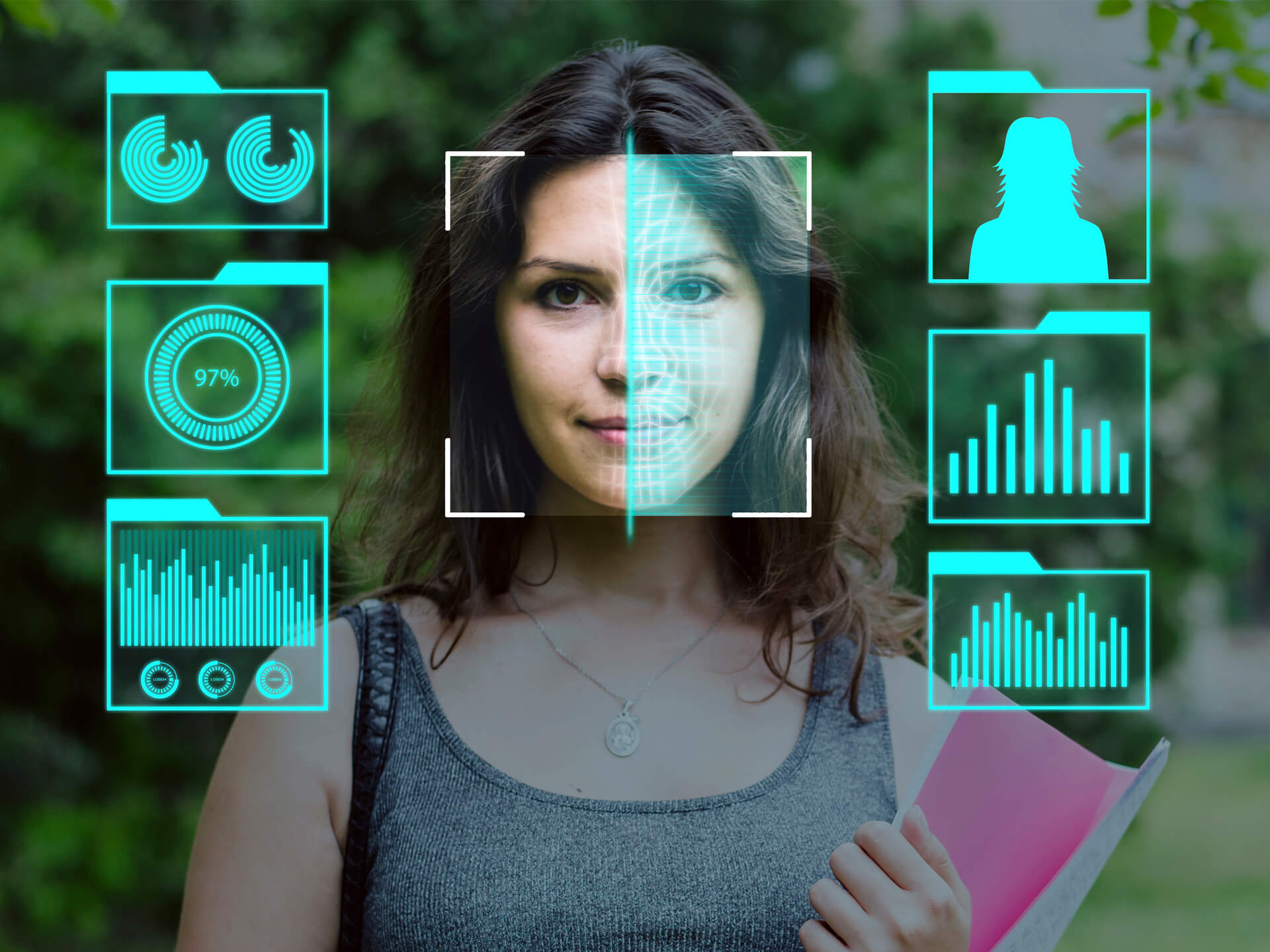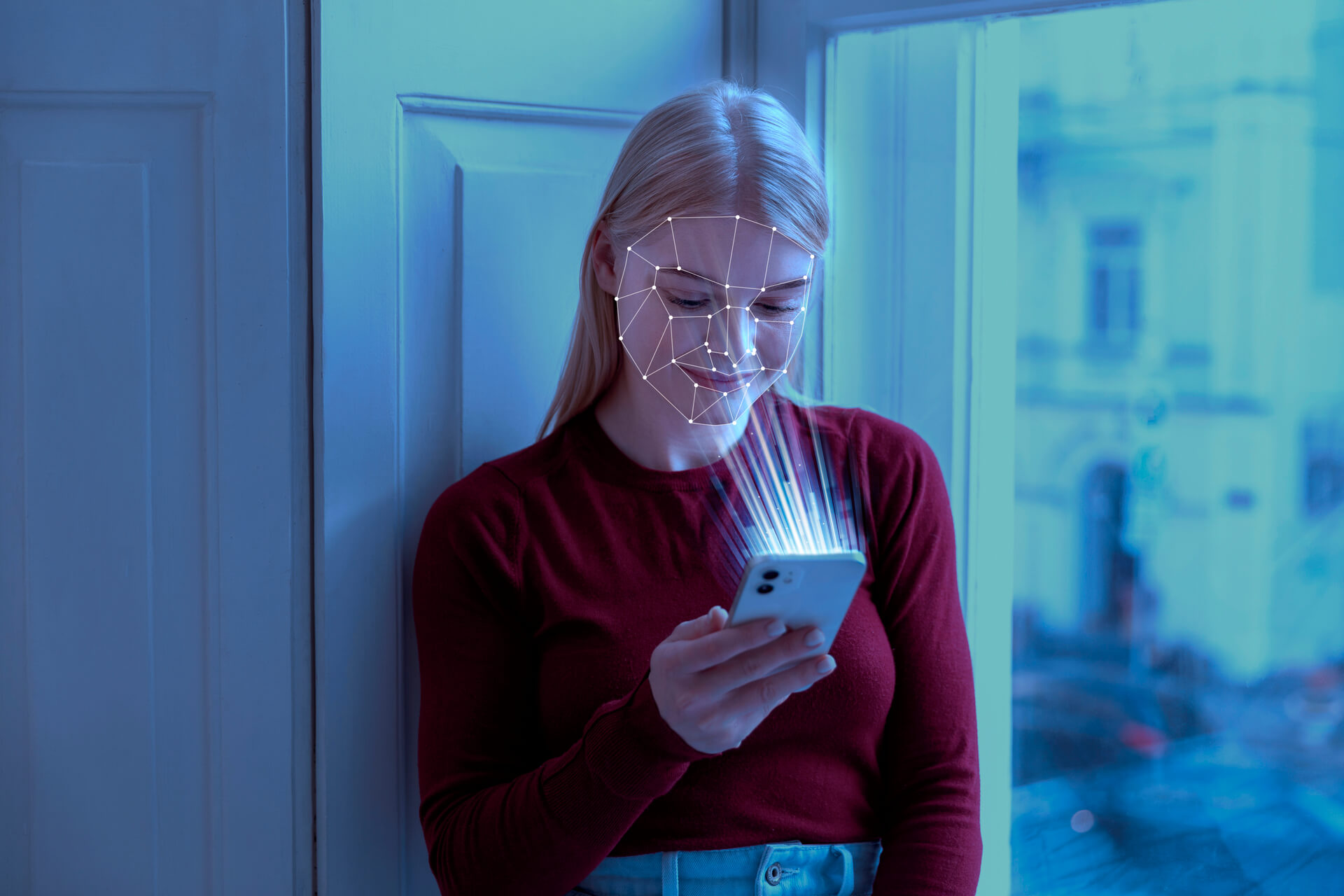
Platforms such as Eyematch let users upload a photo and run a face search to find visually similar faces across publicly available images online. The system analyzes facial features and returns results with links to the websites where those images appear. The process is fast and designed to be simple for users. So what actually happens after you upload a face to a face search tool?
What happens first when you upload a photo to face search?
The first step in face search is image processing. When you upload a photo, the system prepares the image for analysis.
This includes:
- detecting the face in the image
- isolating the face from the background
- adjusting size and alignment
If there are multiple people in the photo, some tools allow you to select which face you want to search.
How does facial recognition analyze your face?
After detecting the face, the system uses facial recognition to analyze key features. These features are used to create a digital representation of the face.
The system may analyze:
- distance between the eyes
- shape of the jawline
- position of the nose
- overall facial structure
This process turns the face into a pattern that can be compared with other images.
How is the face converted into searchable data?
Once the facial features are mapped, the system converts them into a mathematical format. This is often called a faceprint.
A face print is:
- a digital pattern based on facial features
- not the original image
- used only for comparison
This allows the system to search large collections of images quickly.
How does face search compare images online?
After creating the faceprint, the system compares it with images available online. It scans indexed images across public websites to find similar facial patterns.
This step involves:
- searching image databases
- comparing facial structures
- ranking results based on similarity
Advanced systems can compare thousands of images in a short time.
What results do face search tools show?
Once the comparison is complete, the system returns search results. These results usually include images that look visually similar to the uploaded face.
Results may show:
- similar faces from different photos
- images found on public websites
- links to the source pages
Face search tools do not identify the person. They only show visual matches.
How is face search different from reverse image search in this process?
Reverse image search follows a different process. It focuses on finding identical images rather than analyzing facial features.
- compares pixels and visual patterns
- finds exact or very similar copies
- works best for the same image
- analyzes facial features
- finds visually similar faces
- works across different images
Using both methods can give a more complete picture of where images appear online.
What affects face search results after upload?
Several factors can influence the results you see after uploading a photo.
Important factors include:
- image quality
- lighting conditions
- face angle
- visibility of facial features
Clear, front facing images usually produce better results.
After you upload a face to a face search tool, the system goes through several steps, including detection, analysis, conversion, and comparison. Facial recognition technology like Eyematch.ai makes it possible to find visually similar faces across publicly available images online.
Understanding this process can help users use face search tools more effectively and better interpret the results they receive.