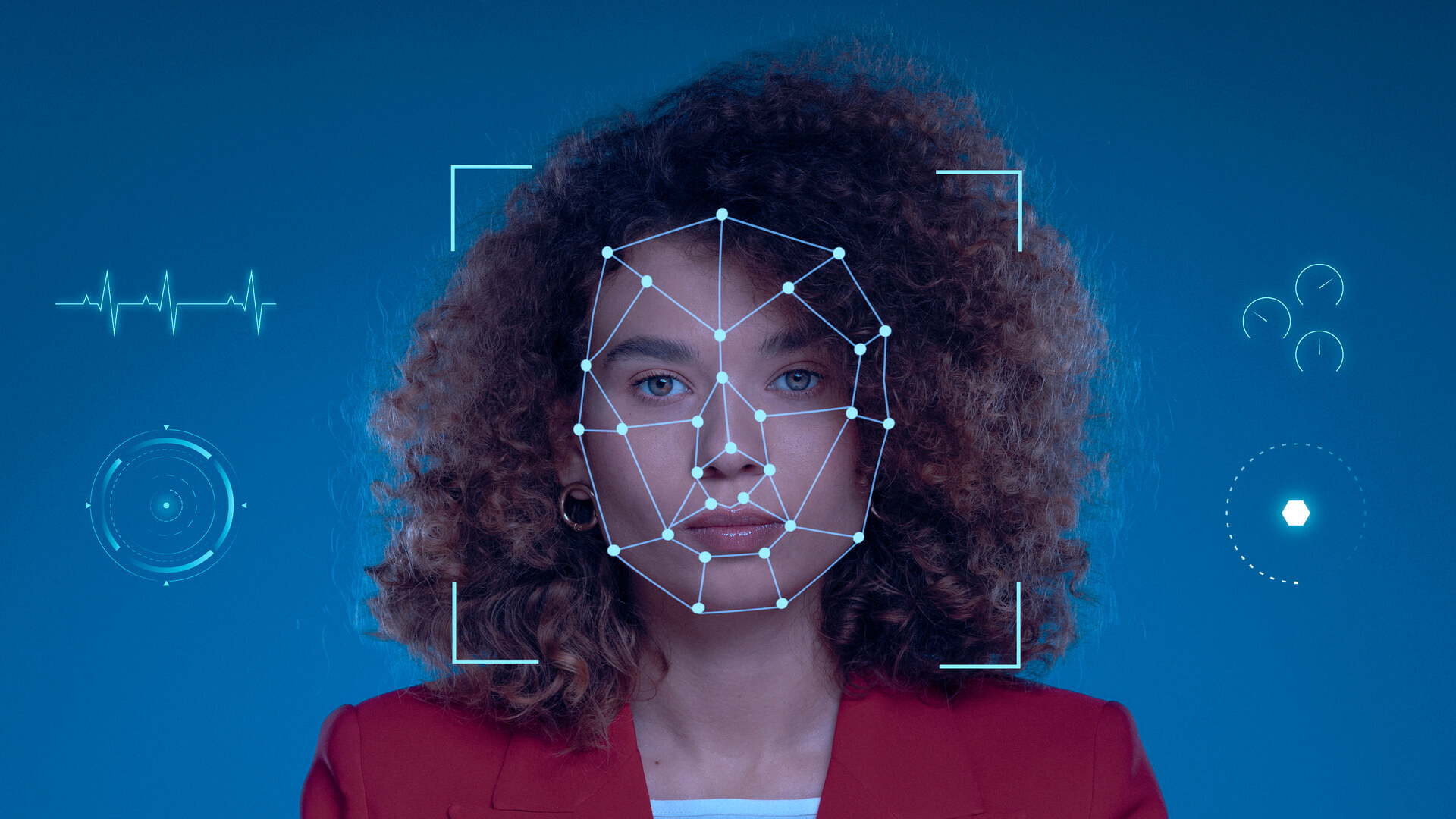
Face search allows you to upload an image of a person and look for similar faces across publicly available websites. Instead of typing a name, you use a photo to start the search. One of a few examples of tools like this is Eyematch.ai.
What is face search?
Face search is a technology that uses facial recognition to find similar faces online. It analyses a person’s facial features and compares them to images that are available on public websites.
Unlike traditional reverse image search, which looks for identical copies of the same photo, like for example Google lens, face search focuses on the structure of the face. This means it can find different photos of the same person, even if the image is taken from another angle or in a different setting.
Face search tools are often used for privacy monitoring, digital footprint checks, and reputation awareness.
How does face search work?
Face search works by analysing key facial features in an uploaded image. These features may include the distance between the eyes, the shape of the jawline, the position of the nose, and other unique facial patterns.
When you upload a photo, the system creates a digital representation of the face. It then compares this pattern to faces found in publicly available images across the web.
If similar faces are detected, the tool displays results with links to the websites where the images appear. The technology does not “know” who the person is. It simply compares visual patterns to find similarities.
How is face search different from reverse image search?
Reverse image search tools usually look for exact copies or very similar versions of the same image file. If someone crops, edits, or changes the photo, traditional reverse image search may not detect it.
Face search goes further. It does not depend on matching pixels. Instead, it compares facial structures. This allows it to detect the same person across multiple different photos. In simple terms:
- Reverse image search finds the same photo.
- Face search finds the same person.
What are face search tools used for?
Face search tools are commonly used for:
- Checking where your photos appear online
- Monitoring your digital footprint
- Detecting possible misuse of personal images
- Research and online investigations
- Reputation management
Individuals, content creators, journalists, agencies, and businesses may all use face search for different reasons. The goal is usually to gain better visibility into how images are shared online.
What kind of photos work best?
Clear photos produce the best results. The face should be visible, well-lit, and facing the camera.
Photos with sunglasses, hats, masks, heavy filters, or strong shadows may reduce accuracy. Group photos are less effective unless the tool allows you to select one specific face - that is the case for eyematch.
The more natural and clear the image, the better the search results are likely to be.
Is face search always accurate?
Face search is powerful, but it is not perfect. Results depend on image quality and how widely the photos are available online.
Sometimes similar-looking people may appear in the results. This does not mean the system has identified someone. It simply shows faces that look visually similar based on patterns.
It is important to review results carefully and use the technology responsibly.
Why face search matters today?
We live in a visual internet. Photos are shared, reposted, edited, and copied constantly. Many people are unaware of how widely their images may appear online.
Face search like Eyematch.ai provides a way to understand your online image presence. It helps individuals become more aware of their digital footprint and gives them more control over how their face appears on the web.
As facial recognition technology continues to develop, face search is becoming an important tool for privacy awareness and online transparency.