Instead, facial recognition focuses on visual details in a photo. By analysing facial features, it can find similar faces across public websites. But how does this technology actually work, and what does it look for when searching online? Let’s take a look what it looks like on eyematch.ai
What is facial recognition technology?
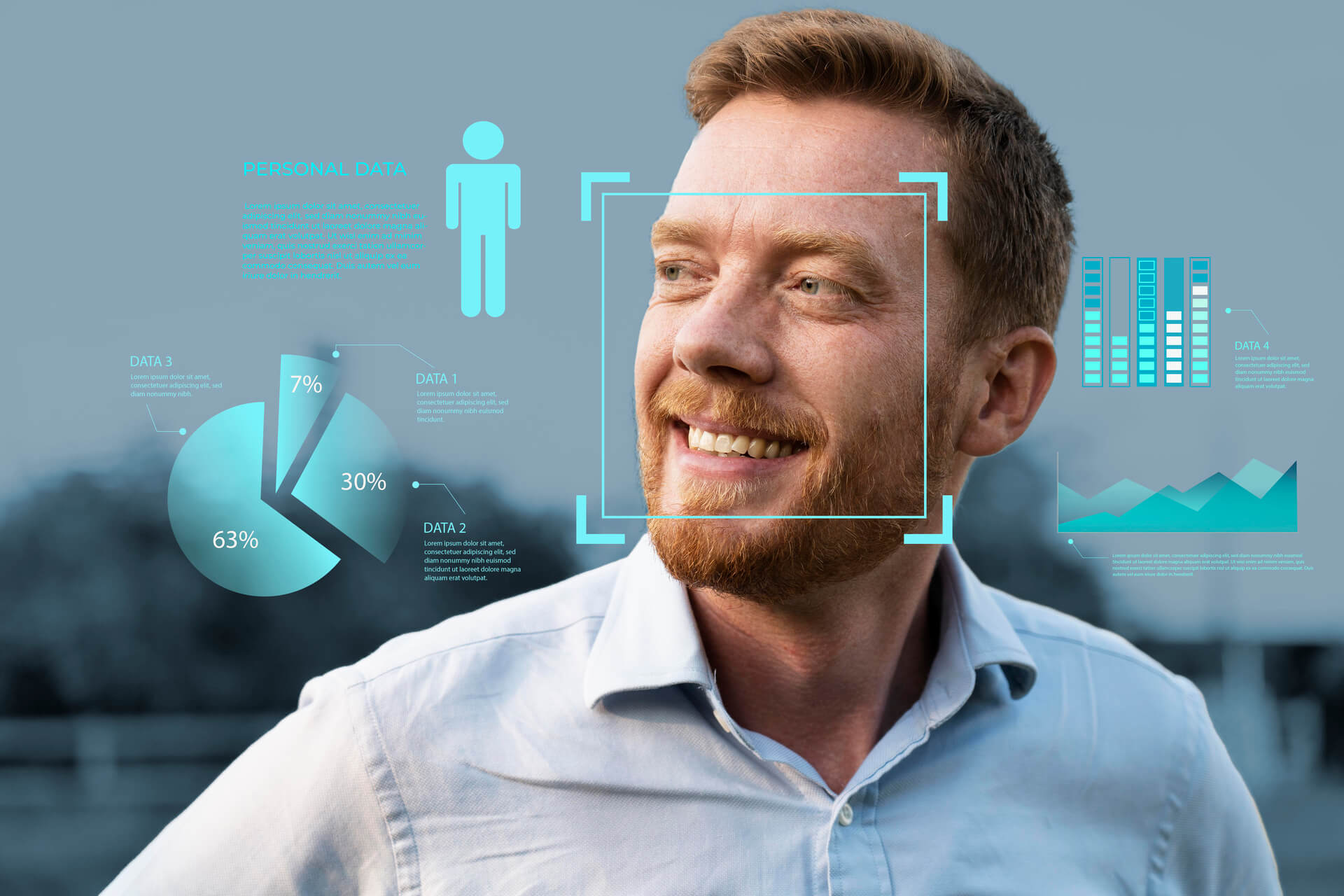
Facial recognition technology is a type of AI that analyses a person’s face in an image. It looks at features such as face shape, distances between the eyes, nose position, and other unique patterns. These features are turned into a digital representation of the face.
The system does not understand who the person is. It only understands how the face looks. This allows it to compare one face with many other images without using names or personal profiles.
How does facial recognition analyse a face?
When you upload a photo, the system first detects the face in the image. It then measures key facial points and proportions. These details create a unique facial pattern that can be compared with other images.
The process focuses on structure, not image quality alone. Even if photos are taken in different places or lighting, the system can still compare facial features to find visually similar faces.
Read more about how to find someone online using a photo.
How does facial recognition find faces online?
After analysing the face, the technology searches through publicly available images on the web. It compares the facial pattern from the uploaded photo with faces found on websites, articles, blogs, and other public sources.
If similar faces are found, the system shows where those images appear online. The results usually include links to websites, not personal details. The goal is to show image locations, not confirm identity.
How is facial recognition used on eyematch.ai?
Eyematch.ai uses facial recognition to search for faces across public web images. Users upload a clear photo, and the system analyses facial features to find visually similar faces online.
The platform is built to help users understand where a face appears on the internet while respecting privacy rules. It does not identify individuals or provide personal data, only image search results from public sources.
What kind of photos work best for facial recognition?
For facial recognition, clear photos work best. The face should be visible, facing the camera, and well lit. Photos without sunglasses, masks, or heavy filters usually produce better results.
Blurry images, group photos, or images with strong shadows can reduce accuracy. A simple, natural photo gives the system the best chance to analyse facial features correctly.
Can facial recognition always find a face online?
No, facial recognition cannot always find a match. Results depend on whether the face appears on public websites and how widely the images are shared online.
If a person has little or no public presence, results may be limited or empty. Sometimes similar-looking faces may appear in results, which is normal for visual-based search.
Why does facial recognition matter today?
Facial recognition technology helps people stay informed about their digital presence and understand where their photos appear online. Tools like Eyematch.ai make it easier to search for faces across public websites and see how images are being shared. This gives users more visibility and control in a digital world where photos can spread quickly.
Face search technology provides a practical way to monitor image use, stay aware of online exposure, and better manage personal privacy across the internet.